computing••5 min read

Should You Revive Your Aging Mac? The Reality of 2026 Upgrades

Upgrading a decade-old Mac with modern hardware like an SSD can offer a temporary performance boost. However, as software demands evolve, these aging machines often struggle to keep pace with modern computing standards.

Should You Revive Your Aging Mac? The Reality of 2026 Upgrades

The Temptation of the 'Like-New' Upgrade

For many users, the prospect of taking a 13-year-old iMac and breathing new life into it with a few simple component swaps is a compelling DIY project. Swapping a mechanical hard drive for a modern Solid State Drive (SSD) is the classic go-to move, promising faster boot times and snappier application responses. But as we navigate 2026, the question is no longer just 'can you' upgrade these machines, but 'should you'?
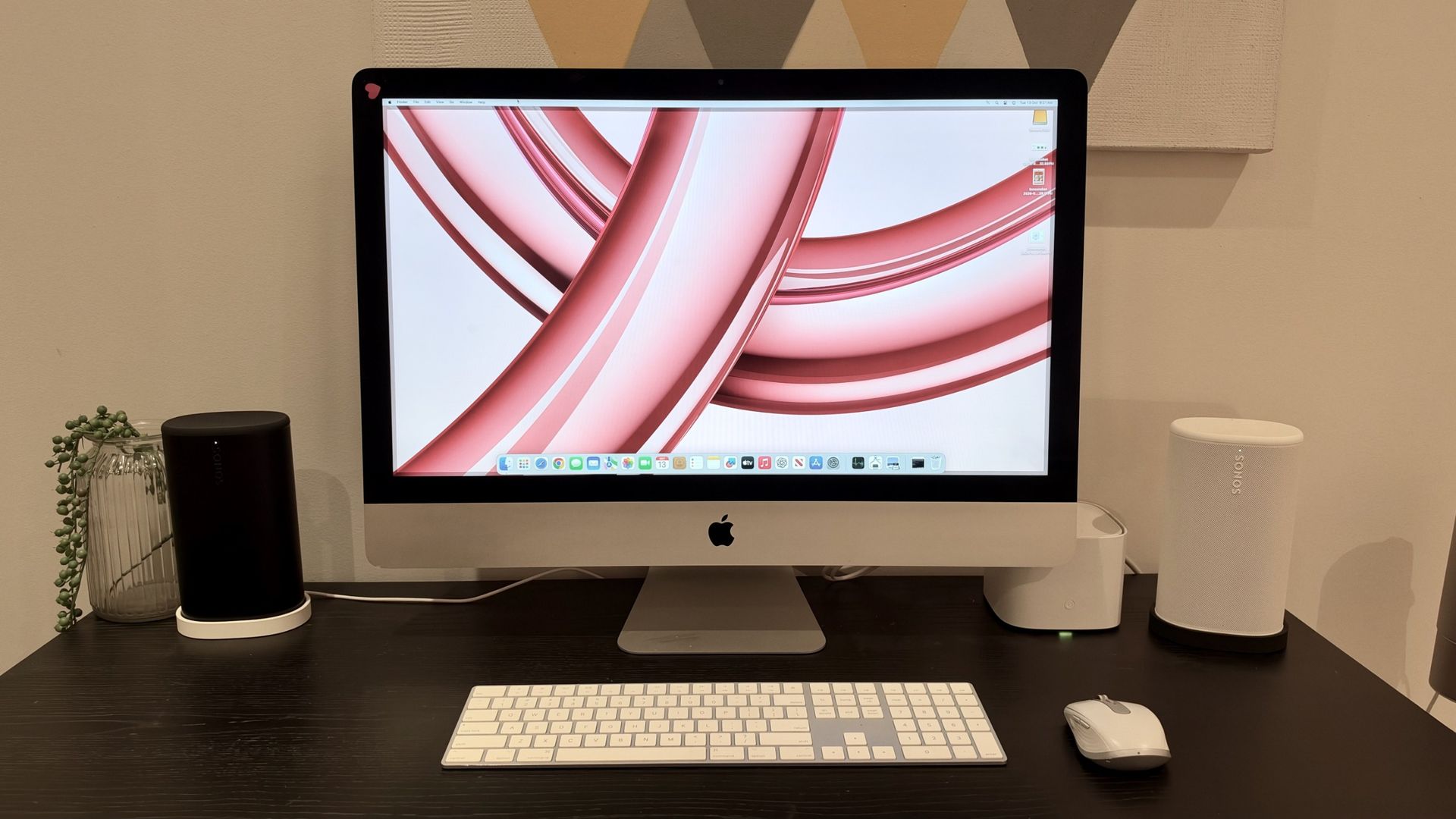
A 13-year-old iMac undergoing hardware surgery.

The Reality Check: Performance vs. Modern Demands

While an SSD significantly outperforms a mechanical hard drive, it cannot compensate for the limitations of aging processors and memory architectures. Testing shows that even with upgrades and modern software like macOS Sonoma installed, users often encounter a machine that, while 'functioning,' feels sluggish by contemporary standards. A boot time of nearly two minutes illustrates the gap between legacy hardware and modern user expectations.

  • SSD upgrades improve general responsiveness but don't resolve CPU bottlenecks.
  • Intel-based Macs are increasingly hitting the limits of software support.
  • Modern multitasking requires memory efficiency that decade-old hardware struggles to provide.
  • The cost of components can sometimes outweigh the long-term utility of the machine.

Longevity and Support in the Apple Silicon Era

The transition to Apple Silicon has fundamentally changed the landscape for Mac longevity. Many older Intel models are entering 'Obsolete' status, meaning security updates are drying up and replacement parts are increasingly scarce. While a 5-year-old M1-based Mac may still handle daily tasks with ease, a 13-year-old model faces significant hurdles regarding OS compatibility and hardware repairability.

If you're hoping to turn an old Intel Mac into something that feels as quick and responsive as a modern Apple silicon machine, you're probably going to be disappointed.

— TechRadar

Key Takeaways

  • SSD upgrades provide a noticeable boost but are not a cure-all for aging hardware.
  • Expect significant performance gaps compared to current Apple Silicon machines.
  • Check official support lists, as many older Macs no longer receive security updates.
  • DIY repairs on older iMacs require careful consideration of cost versus future utility.
  • Base model Macs now come with 16GB of RAM, making current entry-level devices more future-proof than ever.

FAQ

Is it worth upgrading the RAM on an old iMac?

While RAM upgrades can help with multitasking, they are often insufficient to overcome the limitations of older processors in modern computing environments.

Do I need to upgrade my Mac in 2026?

If your machine is no longer receiving security updates from Apple, it is highly recommended to upgrade for safety and compatibility reasons.

Are refurbished Macs a better option than upgrading old ones?

Yes, many users find that buying certified refurbished Macs offers better value, providing modern performance and a full warranty compared to risking money on legacy hardware.

How long will my M1 Mac be supported?

Based on current trends, machines with the M1 chip are expected to receive OS support for several more years, potentially until macOS 28.

Related Videos

This Upgrade Isn't Possible on New iMacs (Sometimes Older IS Better)

Salem Techsperts

iMac 27-Inch Late 2012 macOS Catalina to Sonoma Upgrade - SOLVED!

a1easter

Mac OS Sequoia 15.3 on an Unsupported Late 2012 iMac

Hey, What's Next?

Sources