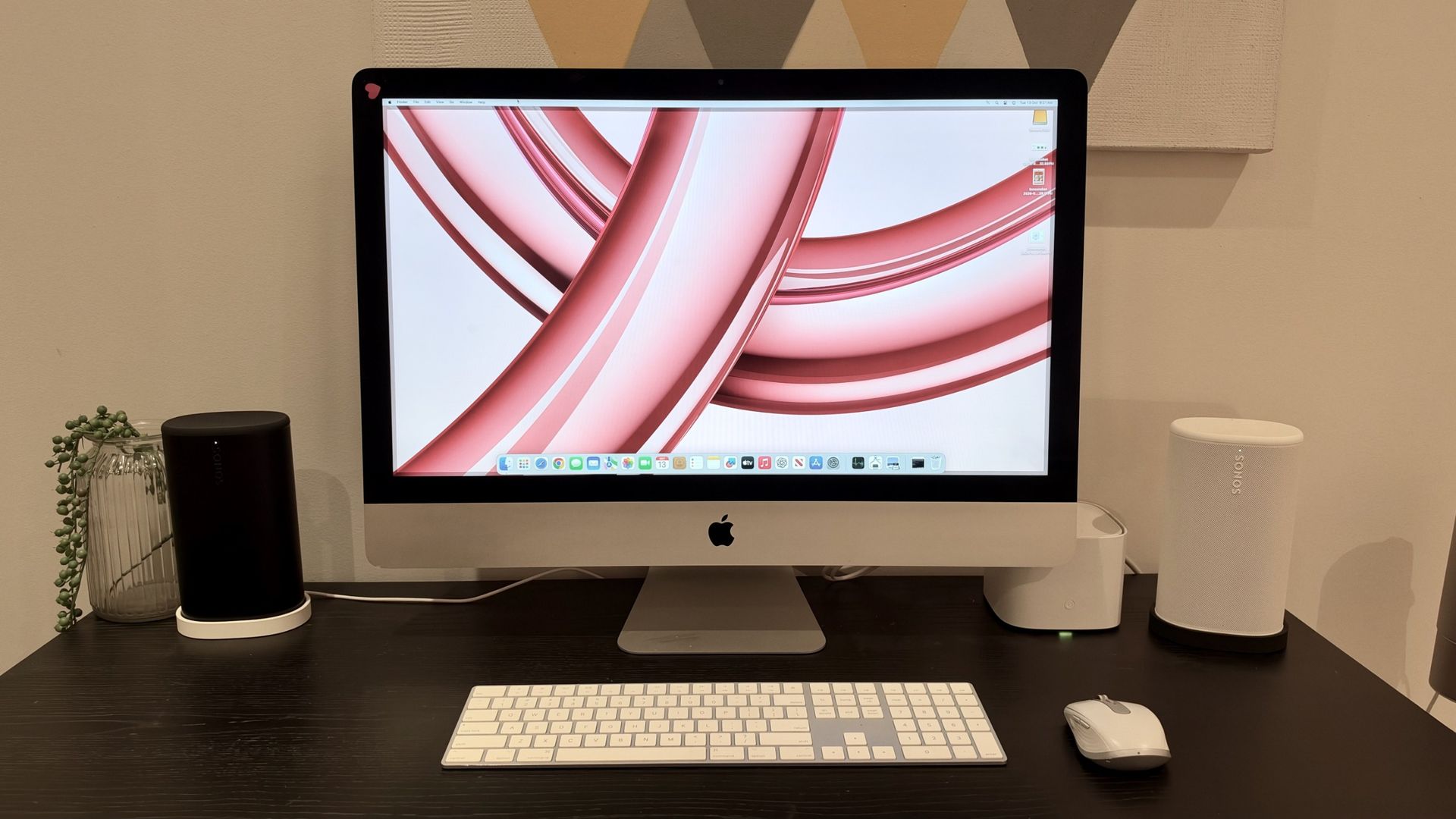
The Temptation of the Vintage Mac
For many, the 2013-era iMac remains a design icon. With its sleek profile and solid build quality, it is easy to see why owners want to keep them running in 2026. However, as software demands grow and mechanical hard drives age, these machines often become bottlenecks in a modern workflow.
The most common path to 'new life' for these devices involves two main strategies: upgrading the storage from a traditional spinning hard drive to a Solid State Drive (SSD) and utilizing patchers to run modern versions of macOS that are no longer officially supported.
The Hardware Hurdle: The Screen Adhesive Problem
While replacing a slow mechanical hard drive with an SSD is arguably the single most impactful upgrade for an aging computer, the late-2013 iMac design presents a physical challenge. Unlike older models, the display on these units is secured with adhesive.
To access the internal components, you must carefully slice through this adhesive to lift the display. It is a high-stakes process where a single slip could result in a cracked screen or severed cables. Because of this, some enthusiasts are opting for an external SSD approach, connecting a drive via USB 3.0 to serve as the startup disk—avoiding the risks of deep surgery while still reaping the benefits of flash storage speed.

Software Lifelines: The OpenCore Option
Hardware is only half the battle. To run modern applications, you need a modern operating system. Enter OpenCore Legacy Patcher (OCLP), a community-driven tool that allows older, 'unsupported' Macs to run modern macOS versions like Sonoma. While this can provide a smoother experience and better app compatibility, it is not an official solution and requires some technical comfort to set up.
- SSD Upgrade: Dramatically improves boot times and system responsiveness.
- External Booting: A safer, non-invasive alternative to internal drive replacement.
- OpenCore Legacy Patcher: Allows access to the latest macOS features on vintage hardware.
- RAM Limitations: Keep in mind that many 21.5-inch models have soldered RAM, meaning you cannot upgrade memory post-purchase.
All in all, you've gotten nearly 12 years of usage out of the machine, so you might want to think hard about upgrading to a newer machine.
— Randy B. Singer, Mac-Forums Community Member