technology••5 min read

Stop Buying New: How to Breathe New Life Into Your Old PC

You don't need a massive investment to make your aging computer feel brand new. From hardware tweaks to software optimization, these simple upgrades can drastically extend the lifespan of your machine.

Stop Buying New: How to Breathe New Life Into Your Old PC

Why Your Old PC Isn't Ready for the Trash

We live in an era of rapid technological turnover, where it's tempting to swap out your hardware as soon as the latest model hits the shelves. However, many laptops and desktops from five to seven years ago remain perfectly capable of handling modern workloads with a few strategic adjustments. Whether you are looking for snappier performance or simply trying to delay a major purchase, upgrading your existing setup is often the smarter financial move.
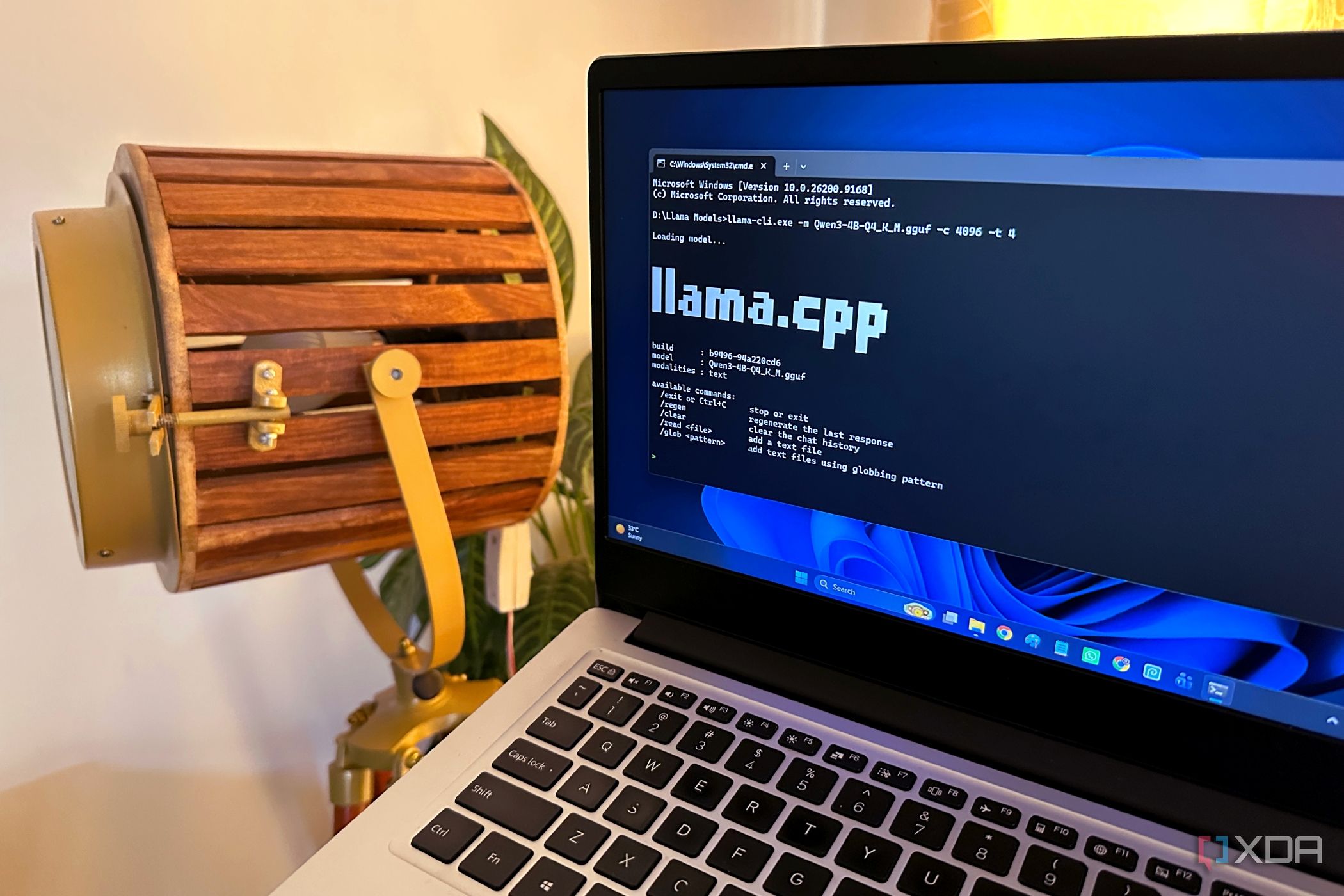
Running local AI models on aging hardware is one way to put older machines to work.

The Best Budget Upgrades for Maximum Impact

When evaluating your system, focus on components that provide the most immediate, noticeable difference. You don't need to replace your entire motherboard to see results.

  • SSD Migration: If you are still running an HDD, switching to an SSD is the single biggest performance boost you can provide.
  • RAM Expansion: Increasing your system memory allows for better multitasking and fewer bottlenecks when running modern applications.
  • Internal Cooling: Overheating can cause your CPU to throttle, slowing down your machine significantly.
  • Peripheral Refresh: Sometimes a high-quality mouse or keyboard can make a machine feel more modern and responsive.
  • System Optimization: De-cluttering your software and managing background traffic can reclaim resources you didn't even know were missing.

Giving a 7-year-old laptop a second life with local AI and basic maintenance proves that hardware longevity is often about how you manage what you have.

— Tech Editorial

Looking Beyond Hardware

While hardware is essential, your digital security and software health play a massive role in perceived performance. Many users find that 'sluggish' behavior is actually caused by excessive background traffic or inefficient software processes. Taking control of what your machine communicates with can not only speed up your workflow but also provide peace of mind in an increasingly connected world.

Key Takeaways

  • Switching from a traditional hard drive to an SSD is the most effective way to speed up an old computer.
  • Upgrading RAM allows your system to handle more tasks simultaneously without lag.
  • Cleaning internal dust and checking cooling fans can prevent performance-killing thermal throttling.
  • Software management, including controlling outbound network traffic, can improve both privacy and performance.
  • An aging computer can still be useful for specialized tasks, such as running local AI models.

FAQ

Is it worth upgrading a 7-year-old PC?

Yes, for basic tasks, office work, or even running local AI tools, a simple SSD and RAM upgrade can make an older machine feel perfectly functional.

What is the most important component to upgrade first?

If your machine still uses a mechanical hard drive, replacing it with a Solid State Drive (SSD) is the top priority.

How can I tell if my PC needs a new CPU?

CPU upgrades are often limited by your motherboard. If your CPU is consistently at 100% usage during basic tasks, it may be time to consider a full system replacement rather than just a component upgrade.

Can I upgrade a laptop?

Many laptops allow for RAM and SSD upgrades. Check your specific model’s service manual to see which components are accessible.

Related Videos

Watch this BEFORE you consider upgrading your PC!

JayzTwoCents

How to Build (and Upgrade) a $500 Gaming PC in 2026

Zach's Tech Turf

This $269 Gaming PC can play any game!

Linus Tech Tips

Sources