A Major Leap for Virtual Workstations
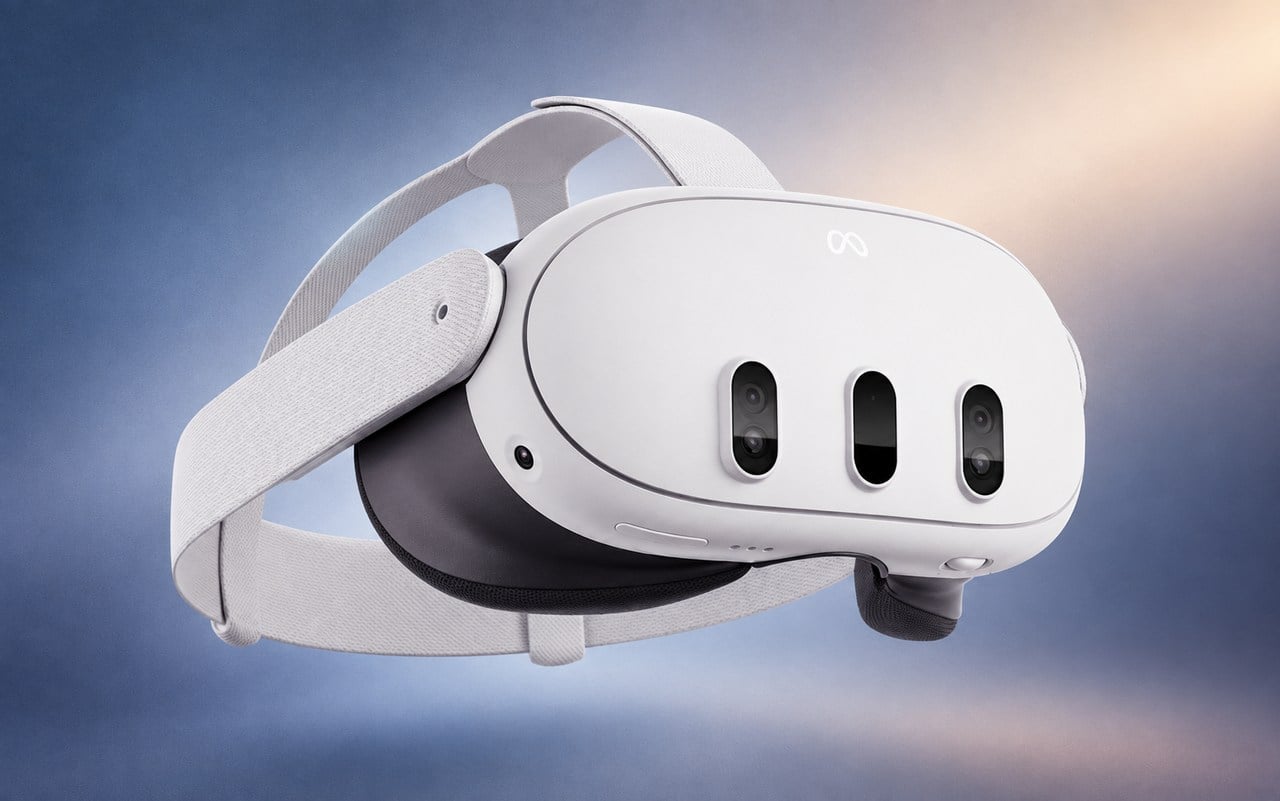
If you use your Meta Quest 3 for work, Microsoft just made your setup significantly more versatile. A new update to the Mixed Reality Link app on Windows 11 finally bridges the hardware gap between Meta’s popular headsets and the Windows ecosystem. Previously limited primarily to serving as a virtual monitor, the Quest 3 and Quest 3S can now act as full-fledged input devices for your PC.
By allowing direct streaming of the headset’s built-in microphone and passthrough camera feeds, Microsoft is positioning the Quest platform as a legitimate contender for immersive productivity. Users no longer need to rely on external USB microphones or complex workarounds to participate in video calls or utilize computer vision applications while in VR.
Key Features and New Capabilities
The update, which targets version 26.9105.9070.0 and above, introduces several functional improvements that change how the headset interacts with Windows 11 apps:
- Native Microphone Support: The Quest’s built-in mic now appears as a standard audio input device in Windows, making it ready for Teams meetings or voice-driven applications without extra hardware.
- Camera Passthrough Streaming: Windows applications can now access the headset’s passthrough cameras, allowing developers to integrate the user's real-world perspective into PC-based software.
- Avatar Camera: Microsoft has introduced an 'Avatar Camera' feature, allowing users to project their Meta avatar into video calls instead of sending a raw video feed from the headset.
- Streamlined Workflow: The update eliminates the need for third-party software to handle audio and video input, reducing latency and setup friction.
We are thrilled to announce that the full capabilities of Windows 11 can be enjoyed on mixed reality headsets, starting with Meta Quest 3 and Quest 3S.
— Microsoft Support
Why This Matters for the Future of VR
This move signals that Microsoft is shifting its focus toward supporting the most popular hardware available rather than relying exclusively on its own discontinued Mixed Reality lines. By making the Quest 3 feel like a native part of the Windows 11 experience, Microsoft is lowering the barrier to entry for users who want to combine the portability of a standalone headset with the power of a Windows PC.
For power users, this means a clutter-free desk and a more unified experience. Whether you are managing multiple virtual displays for complex data analysis or simply attending a remote meeting while maintaining awareness of your physical surroundings, these quality-of-life updates bring the promise of the 'virtual office' one step closer to reality.