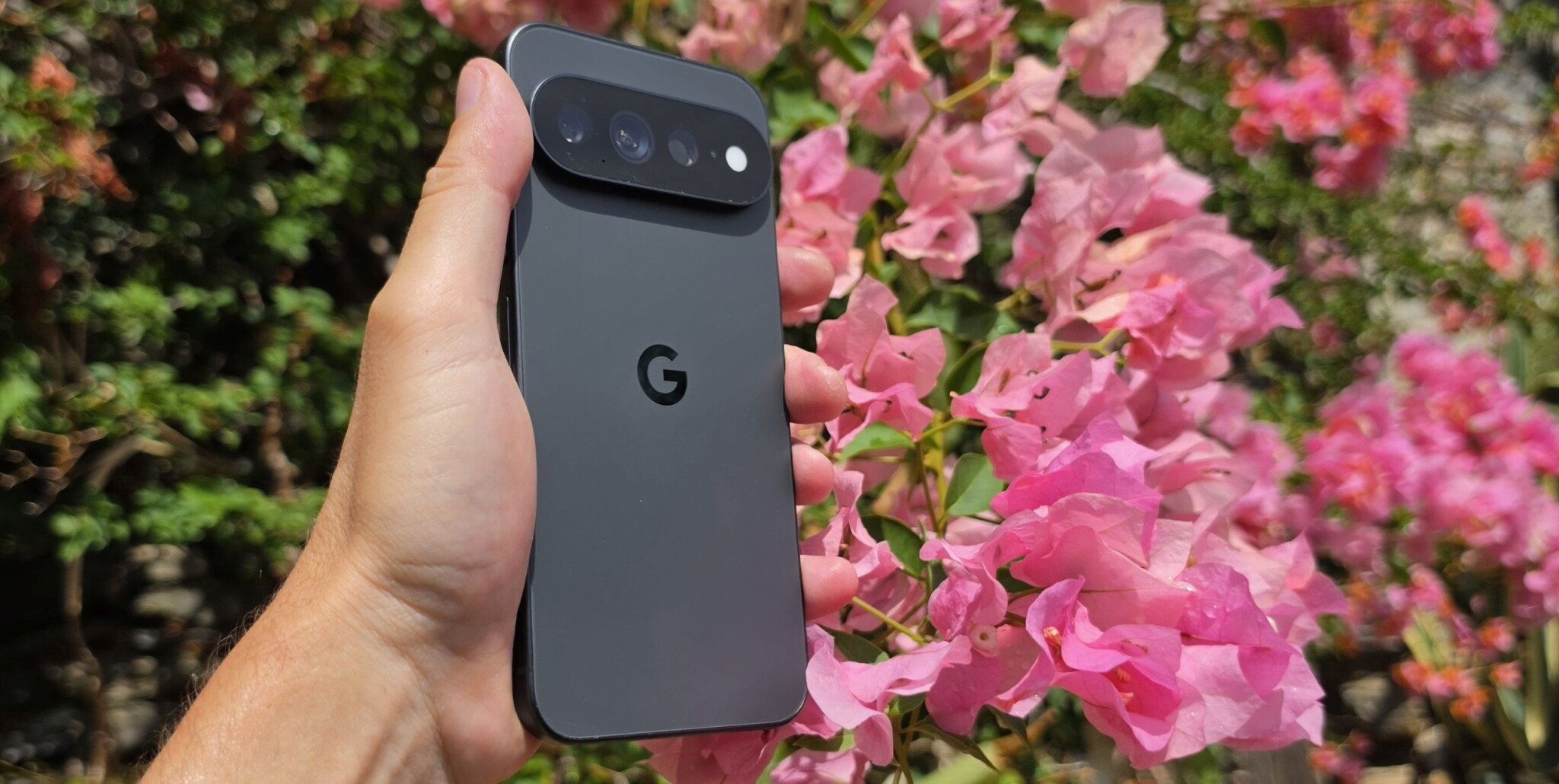
The End of the 'Decisive Moment'?
For years, mobile photography has been defined by the 'decisive moment'—that fraction of a second where you press the shutter to capture a smile or an action. With the launch of the Pixel 11, Google is fundamentally challenging that tradition. By introducing 'Magic Capture,' Google is betting that the best way to capture a memory is to stop worrying about the shutter button altogether.
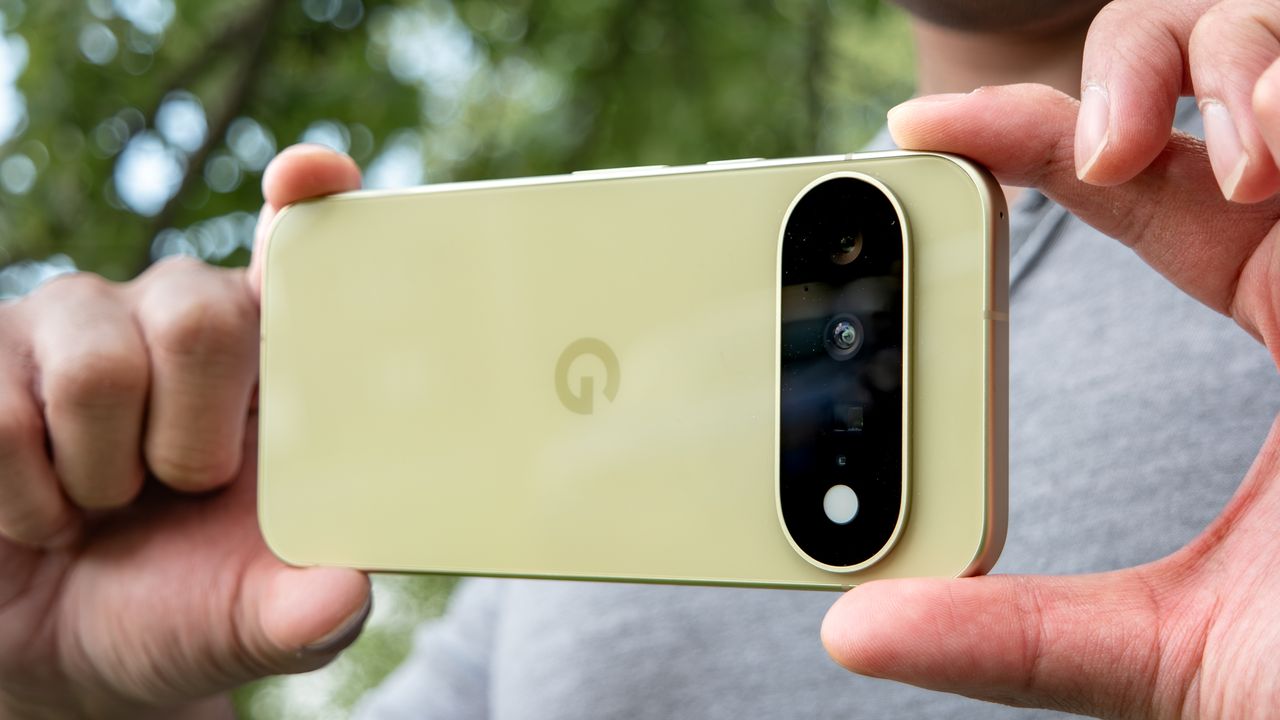
How Magic Capture Actually Works
Magic Capture isn't just taking a frame from a video; it is an intelligent processing pipeline. When you activate the mode, the phone records video while simultaneously analyzing roughly 400 frames in real-time. Using on-device processing and Gemini AI models, the system identifies the most compelling moments—like a perfect smile or a basketball frozen in mid-air—and presents them as 12-megapixel stills.
- Automatic Framing: The AI handles cropping and straightening to ensure a professional look.
- Quality Assurance: The system automatically applies unblurring where appropriate.
- Simultaneous Output: You receive high-quality still photos alongside the recorded video, requiring no extra effort.
- Presence: The goal is to keep users engaged in the event rather than focused on their screens.
Magic Capture removes a decision—when to fire the shutter—and replaces it with an AI judgment call.
— DPReview
A New Philosophical Shift in Photography
This feature represents a broader shift in computational photography. While features like 'Camera Looks' provide users with more control over the aesthetic style of their images, Magic Capture takes the opposite approach: it reduces the need for user input. By removing the pressure of perfect timing, Google is repositioning the smartphone camera as a tool for documentation rather than just creative output. Whether this results in more authentic photos or merely AI-curated snapshots remains a point of debate, but it certainly makes capturing fleeting moments significantly easier.