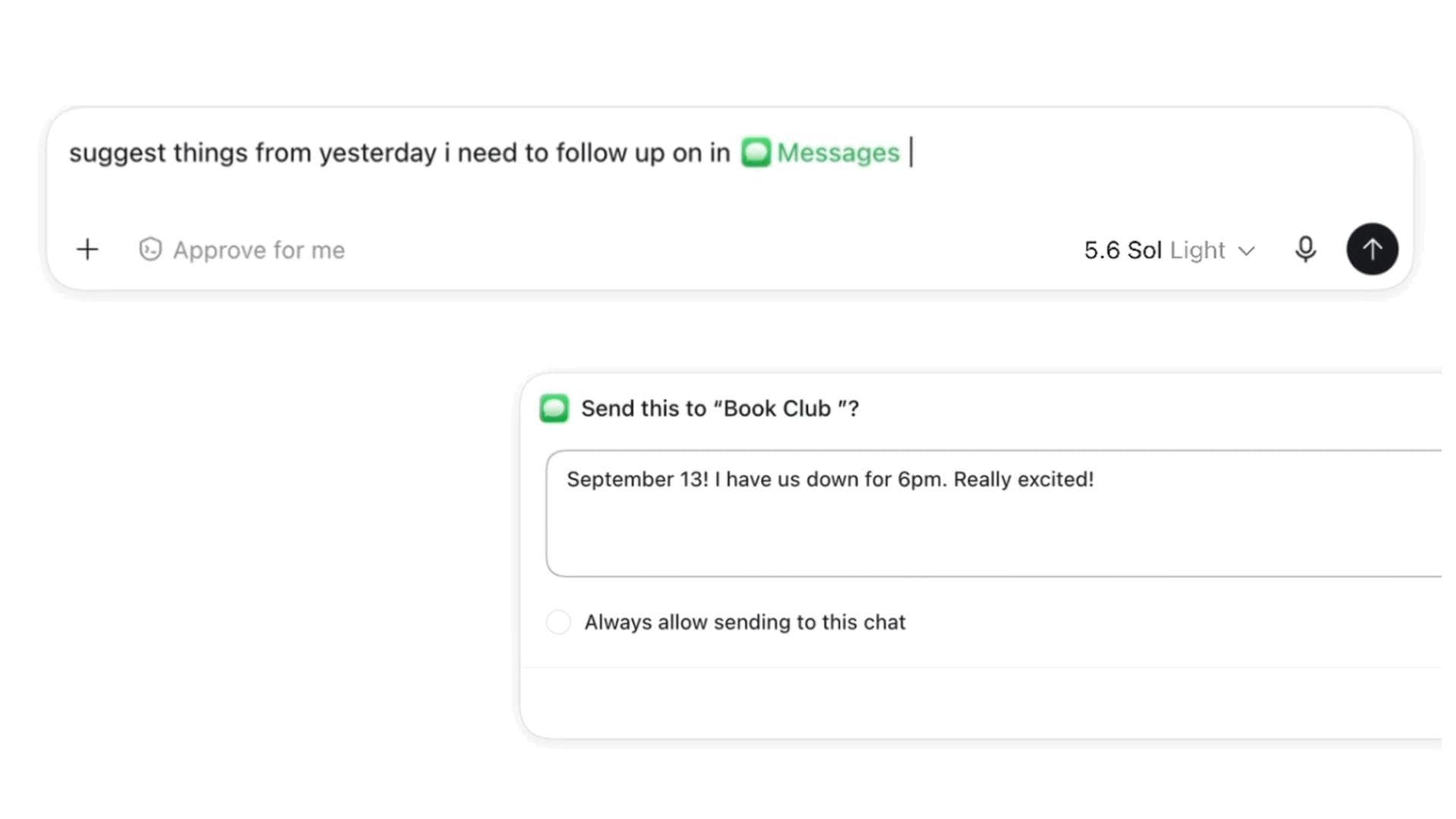
A New Level of AI Integration
On August 20, 2026, OpenAI fundamentally changed how users interact with their Mac desktop environments. A new Apple Messages plugin, integrated into the ChatGPT desktop app for macOS, now allows the AI to access, search, and manage your communication threads. Whether you are dealing with iMessage, standard SMS, or the newer RCS protocol, the AI is now equipped to assist with drafting and sending replies directly from your computer.
This update moves beyond simple text generation; it creates a bridge between your private messages and your AI assistant. By connecting your messaging history to ChatGPT Work or Codex, you can now delegate repetitive messaging tasks, such as summarizing long threads or finding specific details like birthdays or meeting times, without needing to copy and paste data into an external chat window.

How the Plugin Works and Safety Measures
To utilize this feature, users must install the plugin through the ChatGPT desktop app and grant the necessary macOS permissions. Once active, the assistant can perform various tasks to streamline your workflow, such as checking your calendar and suggesting replies, finding potential spam, or generating follow-up messages based on context from the previous day.
- Direct interaction with iMessage, SMS, and RCS.
- Capabilities include searching, summarizing, drafting, and sending messages.
- Requires manual approval for messages and recipients by default for security.
- Available via the ChatGPT desktop app for macOS.
By default, ChatGPT sends messages only after you approve the message and its recipients.
— OpenAI Plugin Documentation
The Trade-off: Privacy and Permissions
While the convenience of having an AI manage your messages is clear, the integration requires deep access to your system. OpenAI has emphasized that it does not index all messages indiscriminately, yet the need for system-wide access remains a point of consideration for privacy-conscious users. For those in managed corporate environments, IT administrators maintain the ability to disable the Apple Messages integration entirely through existing 'Computer Use' controls, ensuring businesses can mitigate risks associated with automated messaging.