technology news••4 min read

Microsoft Is Finally Adding Privacy Tools to Windows 11 That Block Microphone and Webcam Access to Apps

Microsoft is addressing a long-standing privacy gap in Windows 11 by introducing granular controls for desktop applications. Users will soon be able to manage camera and microphone permissions for individual apps rather than relying on broad, system-wide toggles.

Microsoft Is Finally Adding Privacy Tools to Windows 11 That Block Microphone and Webcam Access to Apps

Taking Control of Your Digital Privacy

For years, Windows users have dealt with a binary approach to privacy: either allow all desktop apps access to hardware like your microphone and camera, or block them entirely. While Microsoft Store apps have long enjoyed granular permissions, traditional Win32 desktop software—like Chrome, Steam, or professional creative tools—has historically functioned under a more ambiguous 'all or nothing' umbrella. That is finally changing.

In the latest experimental build of Windows 11, Microsoft is introducing a major privacy overhaul that brings individual permission management to desktop applications. This shift represents a significant victory for users who want to lock down their system without sacrificing functionality.
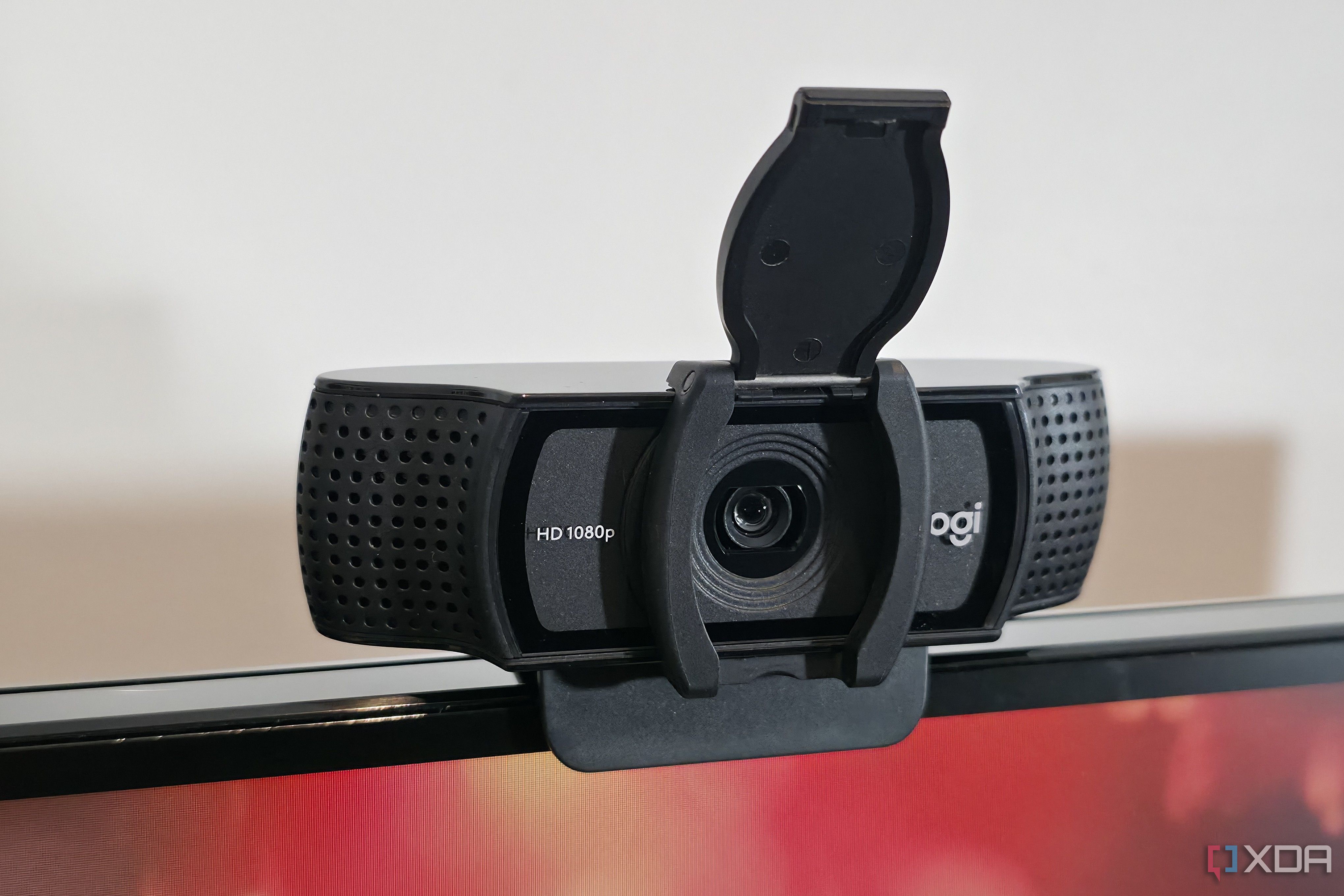
New privacy controls allow for more precise management of peripheral access.

What's Changing Under the Hood?

The update focuses on the Settings > Privacy & Security menu. Previously, if you wanted to limit an app's access, you were often forced to disable hardware access globally, which could break features in apps you actually trust. With this update, Windows 11 provides:

Why This Matters for Security

This development is part of a broader push to modernize Windows security. By enabling users to manage app-level access, Microsoft is reducing the risk of 'permission creep,' where software quietly gains access to hardware components it doesn't need to function. It puts the control back into the hands of the end-user, moving away from the 'trust by default' model that has defined PC software for decades.

This is a long-overdue update that bridges the gap between the modern, permission-first design of mobile operating systems and the legacy power of desktop computing.

— Tech Editor

Key Takeaways

  • Windows 11 is introducing granular privacy controls for Win32 desktop apps.
  • Users will be able to toggle camera and microphone access per individual application.
  • The update replaces the previous 'all-or-nothing' approach to hardware permissions.
  • New permission dialogs will alert users when an app requests access to their hardware.
  • The changes are currently appearing in experimental Windows 11 builds.

FAQ

When will this update be available?

The feature is currently appearing in the latest experimental builds of Windows 11, with a wider rollout expected in future public releases.

Can I still disable the camera globally?

Yes, you can still manage global settings through Settings > Privacy & Security, but these will now be complemented by more granular app-specific controls.

Does this work for all apps?

The update primarily targets desktop (Win32) applications that previously lacked individual toggles in the Privacy & Security settings.

How do I check if an app has access to my mic?

Navigate to Settings > Privacy & Security > Microphone to see a list of applications that have access to your hardware.

Related Videos

Windows 11 Privacy Settings You Should Change NOW

Dinjik

The ULTIMATE Windows Privacy & Security Guide!

Techlore

Windows 11 Privacy Settings Tutorial

Kevin Stratvert

Sources