technology••4 min read

Microsoft's Latest Windows 11 Updates: How to Stay Current and Secure

Microsoft is consistently refining the Windows 11 experience through regular feature rollouts and security patches. Here is a look at the current update landscape and how you can ensure your system remains secure and performant.

Microsoft's Latest Windows 11 Updates: How to Stay Current and Secure

The Evolving Windows 11 Ecosystem

Microsoft maintains a rigorous schedule for Windows 11, balancing monthly security releases with periodic feature updates designed to improve the user experience. The recent 26H1 release, which debuted in February 2026, highlights Microsoft’s commitment to providing a stable, secure, and feature-rich environment for its users.
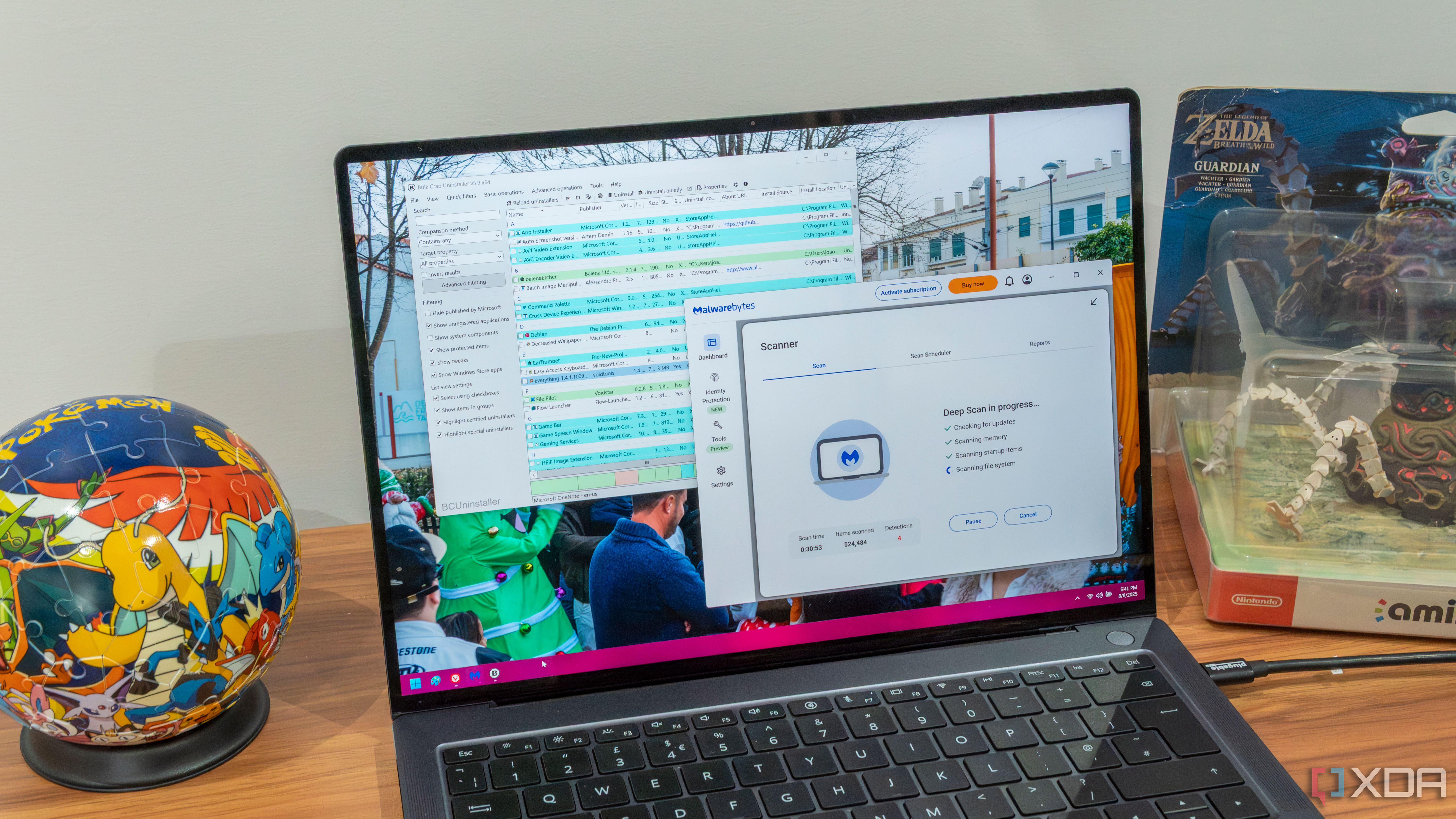
Regular maintenance is key to keeping Windows 11 running at peak performance.

What to Expect from Recent Updates

Beyond the standard monthly security patches released on the second Tuesday of each month, Microsoft has been introducing UI refinements and productivity tools across various Insider builds. For users, these updates are not just about new buttons or menus; they represent a significant shift in how Windows manages system resources and protects against modern cyber threats.

  • Monthly cumulative updates ensure continuous protection against vulnerabilities.
  • System maintenance, such as deep cleaning your PC, remains a best practice to complement OS updates.
  • New feature rollouts are designed to streamline the interface, including updates to the Taskbar and Start menu.
  • Enterprise and consumer security settings are becoming more robust, with many features enabled by default in recent versions.

Windows 11 features give you the power to create, collaborate, and keep your stuff protected.

— Microsoft Security Blog

Key Takeaways

  • Microsoft releases cumulative security updates every second Tuesday of the month.
  • The 26H1 version of Windows 11 is currently active, with support cycles extending through 2028.
  • Regularly updating your OS is the primary defense against modern security exploits.
  • Periodic system maintenance beyond software updates helps ensure long-term PC health.
  • Microsoft continues to prioritize user-facing interface refinements and backend security hardening.

FAQ

How often does Microsoft release security updates?

Microsoft releases security updates on the second Tuesday of every month, known as 'Patch Tuesday'.

Is it necessary to manually clean my PC if I have the latest Windows updates?

Yes, while Windows updates handle security and system files, performing an annual deep clean helps manage storage, remove redundant files, and maintain system speed.

How long will Windows 11 version 26H1 be supported?

For Home and Pro editions, support for version 26H1 is scheduled to end on March 14, 2028.

Where can I check for the latest Windows updates?

You can check for updates by navigating to Settings > Windows Update on your Windows 11 PC.

Related Videos

11 New Features in Windows 11 for 2026

Mike Tholfsen

Biggest Windows 11 25H2 July 2026 Update

Tech Based

10 New Features in Windows 11 25H2 update

Mike Tholfsen

Sources